

Moving to the cloud can be a major win, but only if you choose the right strategy. Many businesses rush the migration and later face performance problems.
Over 60 percent of migrations fail to meet expectations due to poor planning and the wrong approach. As a result, teams deal with hidden costs and unexpected downtime.
Furthermore, cloud migration challenges often include security concerns, compatibility with legacy systems, and a lack of cloud expertise. Additionally, the decision between rehosting, replatforming, and refactoring can feel confusing, especially when the stakes are high.
In this blog, we’ll explain each migration method and compare them so you can choose the best fit for your needs.
Moreover, you will learn how each approach impacts cost, performance, and risk. This guide helps you plan smarter and avoid common mistakes during cloud migration.
What is Cloud Migration Strategy?
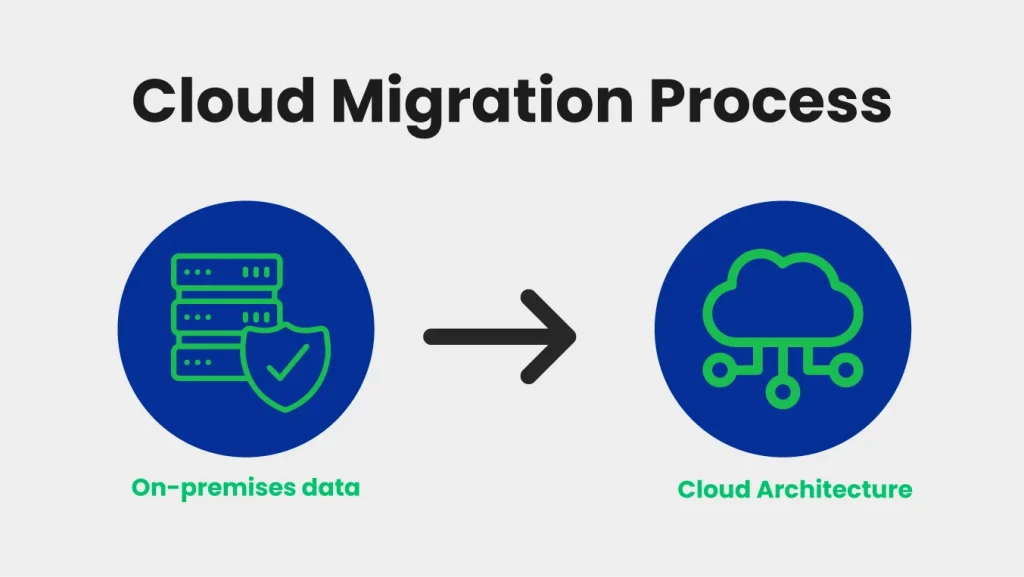
A cloud migration strategy outlines how a business moves its applications, data, and workloads from on-premises systems to the cloud. It sets clear steps, tools, and resources to support a secure and successful transition. With the right plan, teams avoid delays, lower risks, and keep costs under control.
Moving to the cloud also delivers practical benefits. Performance improves as resources scale quickly with demand, while costs stay predictable because you pay only for what you use. Reliability and resilience increase, helping systems remain stable during peak usage.
Table of Contents
At the same time, security is strengthened through built-in protection and compliance tools offered by cloud providers.
To support different business goals and technical requirements, cloud migration strategies are commonly grouped into six approaches:
- Rehost (Lift and Shift)
- Replatform (Lift, Tinker, and Shift)
- Refactor (Re-architect)
- Repurchase (Move to SaaS)
- Retain (Keep on-premise)
- Retire (Remove unused applications)
These strategies help you choose the best path for your workload, budget, and timeline. Additionally, a reliable cloud migration service provider can help you select the right approach and execute the plan smoothly
Next, let’s break down the main cloud migration approaches.
Rehost: The “Lift and Shift” Cloud Migration Strategy
Rehost, also known as Lift and Shift, is a cloud migration strategy in which applications are moved to the cloud without changing their code or architecture. This method simply shifts workloads from on-premise servers to cloud infrastructure.
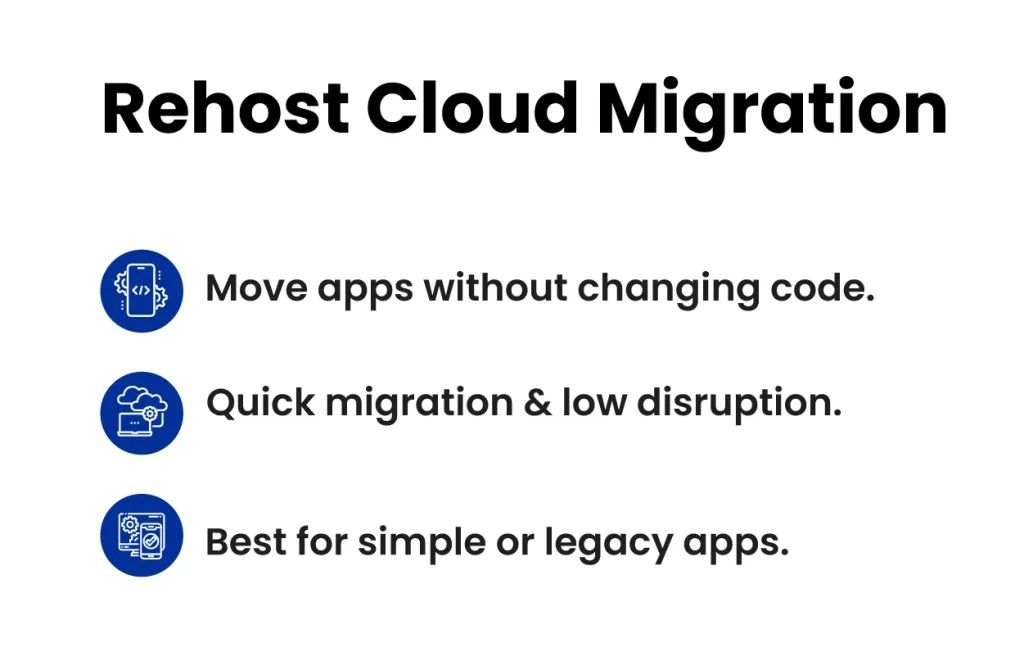
Some of the Main Characteristics of the Rehost Include:
- Minimal changes to the application
- Faster migration time
- Uses cloud servers like virtual machines
- Best for simple or legacy workloads
- Requires less cloud migration planning
When to Choose Rehost?
If your priority is speed and minimal change, rehosting is the right choice.
Choose rehost when:
- You need a quick migration
- You have a limited budget and time
- Your application is stable and not complex
- You want to move to the cloud without redesign
- You need to reduce immediate hardware costs
For example, small workloads can be easily migrated using AWS Lightsail or EC2, depending on your scale and requirements.
| Rehost Benefits | Rehost Drawbacks | Best Fit Applications |
|---|---|---|
| Fast migration time | Not optimized for cloud | Legacy apps |
| Lower initial cost | Higher long-term cost | Simple workloads |
| Minimal code changes | Limited cloud-native benefits | Proof of concept |
| Easy setup | Possible performance issues | Short-term migration |
Rehost is a practical cloud migration approach when speed and low disruption are your top goals.
Next, we will discuss Replatform, the approach that improves performance without a full redesign.
Replatform Cloud Migration Method: The Lift, Tinker, and Shift Approach
Replatform is a cloud migration method in which applications are moved to the cloud with minimal changes. Compared to Rehost (Lift-and-Shift), Replatform tweaks certain parts of the application or platform components to improve cloud efficiency while keeping the core architecture intact.
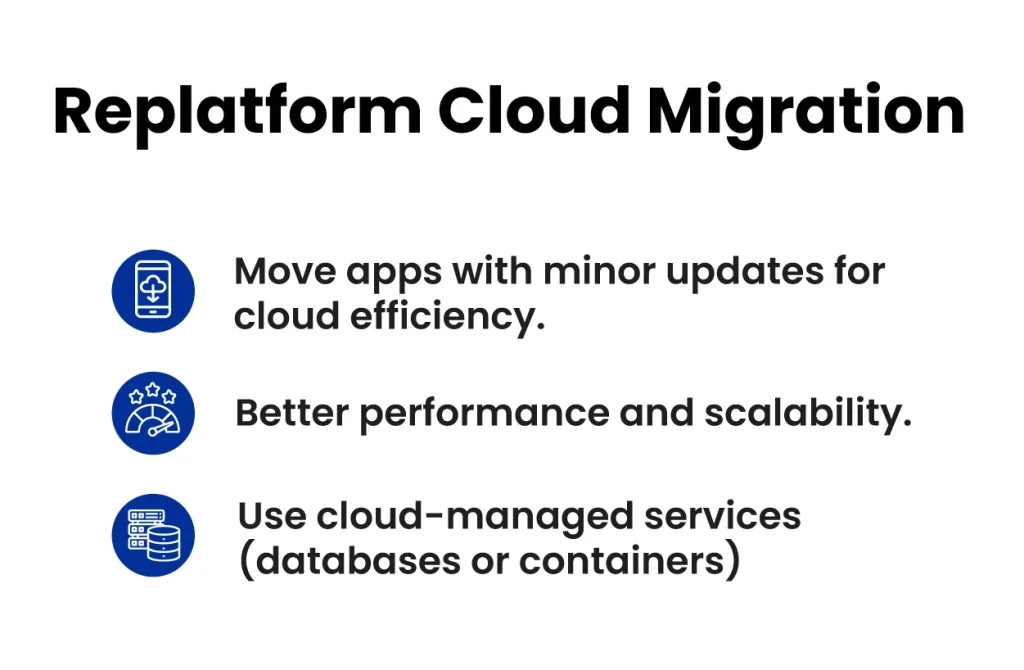
It is important to understand the important characteristics of replatforming because these traits determine whether it fits your workload and goals.
- Requires small code changes
- Uses cloud-managed services like databases or containers
- Improves performance without a full redesign
- Faster than refactoring cloud migration
- Helps achieve better scalability
When to Choose Replatforming?
If you want cloud benefits without a complete rebuild, replatform is the best fit.
You should choose replatform when:
- You need improved performance and scalability
- You want better cloud resource management
- You have enough time for small modifications
- You want lower long-term costs than rehost cloud migration
- You need cloud features like auto-scaling or managed services
| Replatform Benefits | Replatform Limitations | Best Fit Applications |
|---|---|---|
| Better cloud performance | Requires minor code changes | Apps needing moderate upgrades |
| Improved scalability | More time than rehost | Workloads needing managed services |
| Lower long-term cost than rehost | Requires planning | Applications using databases or containers |
| Uses cloud-native services | Not fully cloud-native | Businesses aiming for cloud efficiency |
However, replatforming is a practical cloud migration strategy when you want improved performance without a complete redesign. Next, we will explore Refactor, the approach that fully re-architects applications for cloud-native performance.
Refactor Cloud Migration Method: Re-architecting for the Cloud
Refactor cloud migration means redesigning an application to fully leverage cloud-native services, such as microservices, serverless functions, and managed databases. It is the most advanced cloud migration method and is used when applications need major modernization.
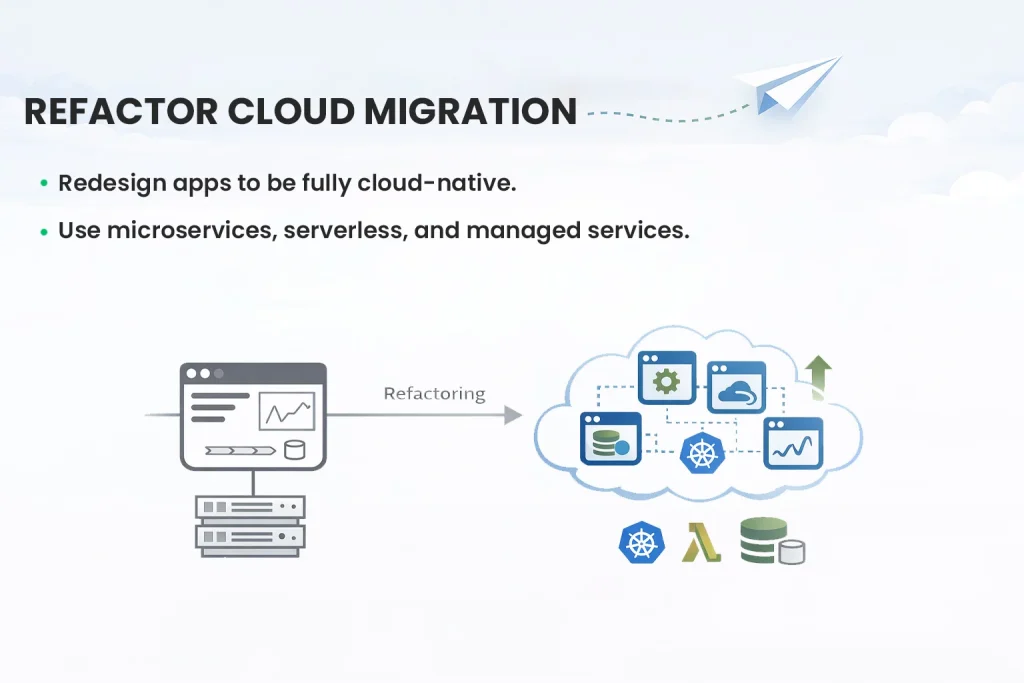
In a cloud migration strategy, refactoring comes after rehost and replatform and focuses on long-term scalability, performance, and flexibility.
Among the noteworthy characteristics of the refactor are:
- Code-level changes and architecture redesign
- Migration to microservices or serverless
- Use of managed cloud services (DB, API gateway, event streaming)
- Infrastructure as Code (IaC)
- Enhanced monitoring and observability
- Improved security and compliance
- Auto-scaling and performance optimization
When to Choose Refactor?
You should choose “refactor” when:
- Legacy systems require modernization
- High scalability and performance are needed
- Long-term cost savings through automation
- Cloud-native features are required
| Refactor Benefits | Refactor limitations | Best Fit Application |
|---|---|---|
| Full cloud-native optimization | High upfront cost | Enterprise modernization |
| Better performance & scalability | Longer timelines | Critical applications |
| Improved resilience | Complex testing | Large-scale workloads |
| Lower operational overhead | Requires skilled teams | Cloud-native transformation |
Refactoring cloud migration is ideal for organizations that use cloud engineering services & solutions and work with a cloud DevOps consultant to build a strong cloud migration strategy.
Rehost vs. Replatform vs. Refactor: Which Cloud Migration Strategy Is Right?
When comparing Rehost, Replatform, and Refactor, the right cloud migration strategy depends on your budget, timeline, and long-term goals.
To help you decide, here is a clear comparison of Rehost, Replatform, and Refactor based on cost, time, risk, performance, and best-fit workloads.
| Factor | Rehost | Replatform | Refactor |
|---|---|---|---|
| Cost | Low initial cost, higher long-term cost | Moderate cost, better long-term savings | High initial cost, best long-term ROI |
| Time & Effort | Fast migration, minimal changes | Medium time, minor code changes | Long timeline, major redesign |
| Risk | Higher risk of performance issues | Moderate risk, better stability | Lower risk after testing, but complex migration |
| Performance | Not optimized for cloud | Improved performance | Best cloud-native performance |
| Cloud-native benefits | Limited cloud benefits | Partial cloud-native features | Full cloud-native architecture |
| Best Fit Workloads | Legacy apps, simple workloads | Apps needing upgrades | Enterprise modernization, critical apps |
Summary Line:
In a cloud migration strategy, rehost is best for quick moves, replatform works well for moderate improvements, and refactor is ideal for long-term cloud-native modernization and performance.
Not sure which cloud migration strategy works best for your business?
How Does Clustox Support Your Cloud Migration Strategy?
Clustox supports your cloud migration strategy with a structured, proven approach that minimizes risk, improves performance, and ensures business continuity. We work closely with your team to understand your goals, evaluate your existing systems, and design a migration plan that fits your needs.
1. Assessment and Planning
We begin by analyzing your current infrastructure, applications, and workflows. This helps us identify which workloads should move to the cloud, what migration approach is best, and what resources are required.
2. Strategy Design
After assessment, we design a cloud migration strategy that aligns with your business goals. Whether you are rehosting, replatforming, or refactoring, we recommend the best path to optimize cost, security, and performance.
3. Migration Execution
Our team handles the entire migration process, including data transfer, application migration, and environment setup. We ensure minimal downtime and seamless transition with continuous testing and validation.
4. Optimization and Support
After migration, we focus on improving cloud performance, reducing costs, and ensuring security. Clustox provides ongoing support and monitoring to keep your cloud environment running efficiently.
If you’re looking for a deeper DevOps-driven migration plan, our Cloud DevOps consulting services for migration can help you design and implement the best practices for your environment.
With Clustox, your cloud migration is a strategic transformation supported by expert planning, execution, and continuous optimization.
Frequently Asked Questions (FAQs)
2. Can Cloud Migration Reduce Operational Costs?
Yes, migrating to the cloud can lower costs by:
Paying only for resources you use
Reducing on-premise hardware and maintenance
Automating infrastructure management with cloud-native services
However, careful planning is essential to avoid hidden fees like data transfer or licensing costs.
3. What are the Common Risks During Cloud Migration?
Cloud migration involves certain risks that organizations should consider. These can include unexpected downtime, which may affect business continuity; data loss or security vulnerabilities; compatibility challenges with legacy systems; and potential budget overruns due to hidden costs.
A structured migration strategy, thorough testing, and continuous monitoring are essential to mitigate these risks and ensure a smooth and secure transition to the cloud.
4. How Long Does a Cloud Migration Usually Take?
The timeline depends on your chosen migration strategy:
Rehost (Lift and Shift): Usually faster; can take a few weeks for small workloads
Replatform (Lift, Tinker, and Shift): Moderate timeline, may take 1–3 months
Refactor (Re-architect): Longer process, often several months for enterprise-scale applications
Proper assessment and planning can shorten migration time and avoid delays.
5. Is It Worth Hiring a Cloud Migration Consultant?
Yes, hiring a cloud migration consultant can significantly improve the success of your migration. Consultants help select the right strategy aligned with your business goals, identify and mitigate risks, optimize costs, and manage the migration process to minimize downtime.
Additionally, they provide ongoing monitoring and support to ensure cloud performance and security remain high after migration. Engaging experts ensures a smoother, more efficient, and reliable transition to the cloud.
Conclusion
Moving to the cloud is a major step, but it becomes much more manageable when you have a clear strategy, the right approach, and ongoing support. A successful migration doesn’t only mean shifting workloads; it means improving performance, strengthening security, and ensuring business continuity while keeping costs under control.
If you’re still unsure which cloud provider best matches your project goals, the right cloud provider comparison (AWS vs. Azure vs. GCP) can help you pick the option that fits your needs and long-term vision.
In the end, the key takeaway is this: a well-planned cloud migration should be a strategic transformation, not just a one-time project. With the right roadmap and support, you can migrate confidently, optimize continuously, and grow without limits.
If you’d like, we can help you evaluate your current setup and build a migration plan that fits your business goals.
Worried about downtime or hidden costs during migration? Our expert guides you every step of the way to keep your move secure and worry-free.