

Facial recognition is no longer limited to unlocking smartphones. Businesses now use it for identity verification, access control, fraud prevention, retail security, healthcare support, and personalized digital experiences.
However, not every facial recognition product performs the same task. Some tools verify whether a user matches an identity document, while others search a database for a possible match. Certain platforms are designed for developers, while others are restricted to trained professionals.
Businesses with specialized requirements can also use AI software development services to build facial recognition solutions around their security, identity verification, or customer experience needs.
This guide compares some of the best face recognition apps and software available in 2026. We reviewed their use cases, recognition capabilities, deployment options, security features, and intended users to help you identify the right solution.
Important: Facial recognition involves sensitive biometric information. Before using any product, review its consent, data retention, security, and regulatory-compliance policies.
Best Face Recognition Apps and Software at a Glance
The following comparison provides a quick overview of the best face recognition apps and software, their key capabilities, and ideal use cases.
| Tool | Best For | Product Type | Standout Capability | Access Model |
|---|---|---|---|---|
| FaceFirst | Retail and physical security | Enterprise platform | Real-time face matching and alerts | Business deployment |
| Face2Gene | Genetic evaluation support | Clinical application | Facial and non-facial phenotype analysis | Healthcare professionals |
| Facephi | Banking, fintech, and digital onboarding | Identity platform | Biometric verification and fraud prevention | Enterprise integration |
| BioID | Online identity verification | Biometric service | Liveness detection and facial authentication | Cloud API and SDK |
| Luxand FaceSDK | Custom application development | Developer SDK | Face detection, recognition, and analysis | SDK licensing |
| Amazon Rekognition | Scalable AWS applications | Cloud API | Face detection, comparison, and search | Usage-based cloud service |
| Azure AI Face | Microsoft cloud applications | Cloud API | Face detection, verification, and identification | Limited-access cloud service |
How Do We Select Facial Recognition Tools?
We evaluated these tools using criteria that matter to both users and businesses:
- Primary use case: Whether the product is designed for authentication, identification, healthcare, security, or software development.
- Recognition capabilities: The facial detection, matching, verification, or identification functions it provides.
- Liveness protection: Whether it can distinguish a real person from a photograph, recording, mask, or other presentation attack.
- Privacy and security: The controls available for protecting biometric information and managing access.
- Integration options: The availability of APIs, SDKs, cloud deployment, or connections with existing systems.
- Platform availability: Whether the product is available through mobile apps, browsers, cloud services, or enterprise deployments.
- Product status: Whether the platform and its relevant facial-recognition capabilities remain actively available.
The appropriate tool depends on the intended use. A hospital evaluating possible genetic syndromes needs a different system from a retailer monitoring entrances or a developer building identity verification into an application.
Table of Contents
1. FaceFirst: Best for Retail and Physical Security
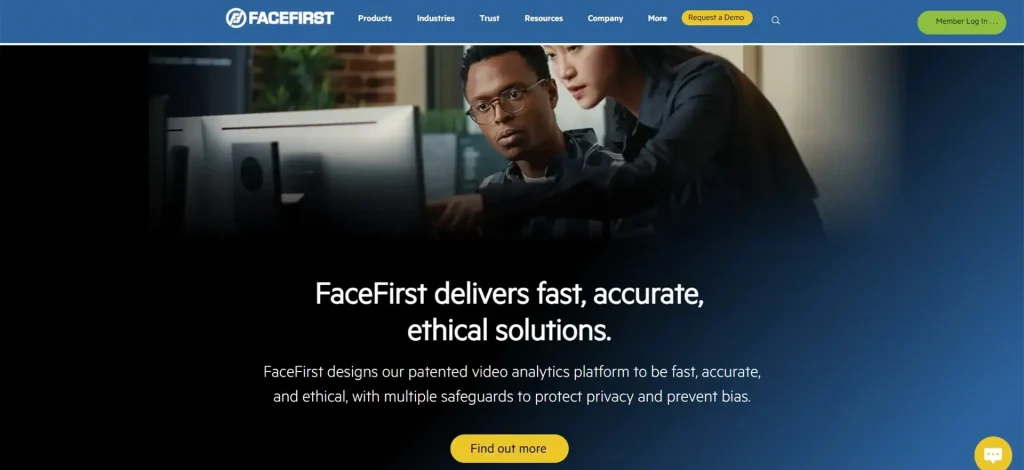
FaceFirst is an enterprise face-matching and visual-intelligence platform. Organizations can use it to identify persons of interest, investigate recorded video, and receive alerts when the system detects a potential match.
The platform is particularly relevant to retail loss prevention, transportation, casinos, and other controlled physical environments. FaceFirst also provides mobile access, allowing authorized personnel to review information and respond to alerts away from a desktop system.
Key Features
- Real-time face matching and configurable alerts
- Watchlist creation and management
- Forensic search across recorded video
- Mobile notifications and investigation support
- Integration with existing security and camera systems
- Solutions for retail, transportation, public safety, and other enterprise environments
Best Suited For
Retailers, security teams, transportation facilities, and organizations with a defined and lawful physical-security use case.
Important Consideration
FaceFirst is not a general consumer application. Organizations should establish clear policies for enrollment, consent, watchlist management, access, data retention, and human review before acting on a possible match.
2. Face2Gene: Best for Genetic Evaluation Support
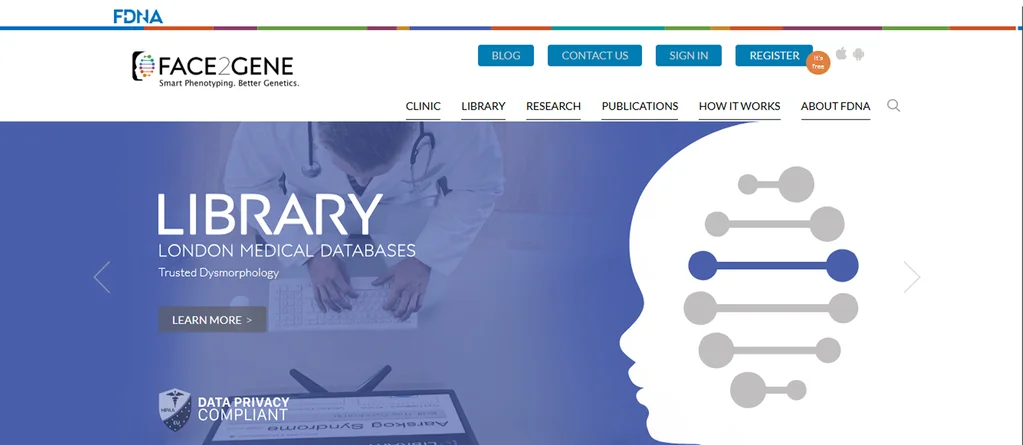
Face2Gene is a suite of phenotyping applications created to support healthcare professionals during genetic evaluations. Its technology analyzes facial and non-facial characteristics and presents potentially relevant syndrome matches and clinical information for professional review.
Face2Gene uses machine learning models to convert a patient image into mathematical facial descriptors. It compares these descriptors with syndrome-related patterns to help healthcare professionals prioritize possible conditions.
The platform can also support collaboration, case review, and genetic variant prioritization.
Key Features
- Facial and non-facial phenotype analysis
- Suggested syndrome matches for clinical consideration
- Clinical reference resources
- Collaborative case review
- Genetic variant prioritization support
- Web, iOS, and Android availability
Best Suited For
Geneticists and other qualified healthcare professionals working in non-urgent clinical settings.
Important Consideration
Face2Gene is a clinical decision-support tool, not an independent diagnostic system. Trained professionals must interpret its results alongside medical history, physical examination, and appropriate testing.
3. Facephi: Best for Digital Identity and Fintech
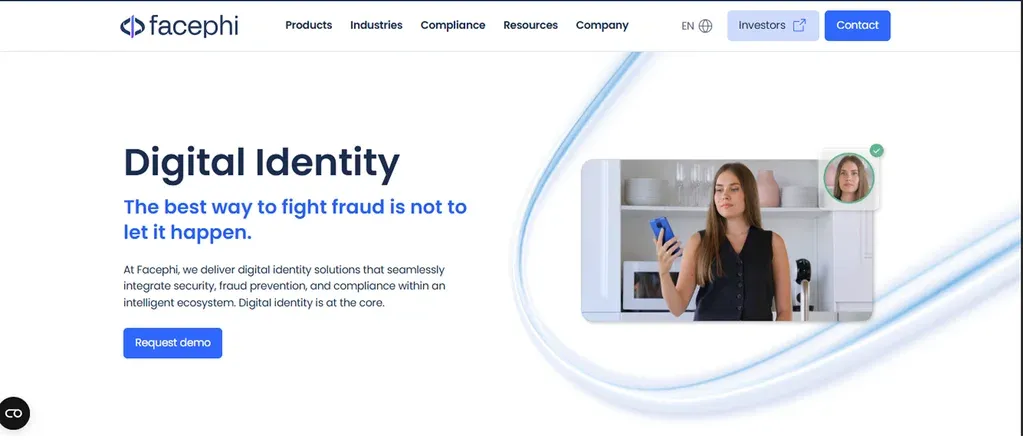
Facephi provides digital identity verification, authentication, onboarding, compliance, and fraud-prevention technology.
Its platform is designed for banks, fintech companies, insurers, mobility platforms, and other regulated service providers.
During onboarding, a business can use document capture and facial comparison to check whether the person presenting an identity document appears to be its legitimate holder. Facephi also supports authentication and additional risk monitoring throughout the customer relationship.
Companies planning similar onboarding workflows can use application development services to integrate biometric verification, document capture, authentication, and fraud-monitoring capabilities into their digital products.
Key Features
- Biometric identity verification
- Document capture and optical character recognition
- Facial comparison between a selfie and identity document
- Passive liveness and deepfake-detection capabilities
- Authentication and account-protection workflows
- Compliance, analytics, and fraud-monitoring modules
Best Suited For
Banks, fintech businesses, insurers, mobility platforms, and other organizations that need regulated digital onboarding or identity verification.
Important Consideration
Facephi is an enterprise identity platform rather than a standalone consumer face-recognition app. Pricing, configuration, and supported verification checks depend on each organization’s implementation.
4. BioID: Best for Liveness Detection and Authentication
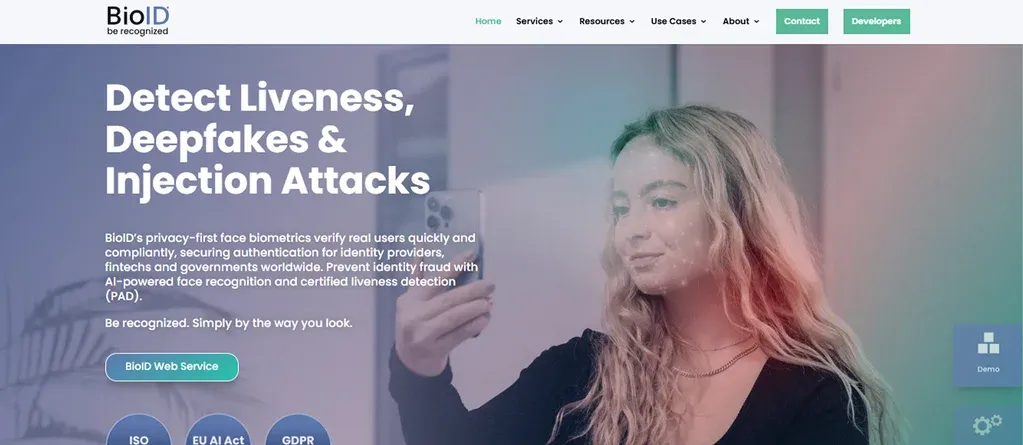
BioID provides facial authentication, identity verification, and liveness-detection technology for businesses and developers.
Its services can be integrated into applications to verify a user’s presence and compare facial images during onboarding or login.
Liveness detection is particularly important in remote identity workflows because a basic facial comparison may be vulnerable to photographs, video replays, masks, injected videos, or digitally manipulated content.
Businesses should also conduct regular application security and penetration testing to identify weaknesses in biometric login, API integration, data processing, and authentication workflows before attackers can exploit them.
Key Features
- Facial verification and authentication
- Presentation-attack detection
- Passive and challenge-response liveness options
- Photo ID ownership verification
- Cloud-based APIs
- Developer documentation and integration support
Best Suited For
Organizations building login, account recovery, age-checking, onboarding, or remote identity-verification experiences.
Important Consideration
Businesses should test the complete identity workflow, not only the face-matching component. Image quality, device conditions, fallback methods, accessibility, and manual review can all influence the final user experience.
5. Luxand FaceSDK: Best for Custom Face Recognition Applications
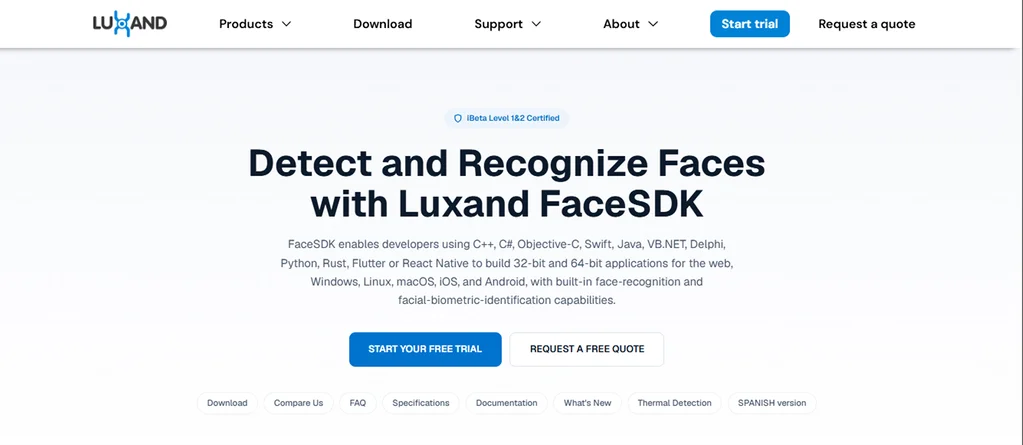
Luxand FaceSDK is a software development kit for adding face detection, recognition, and analysis to custom applications.
It supports multiple operating systems and can be used in access-control systems, photo-management tools, entertainment experiences, and other specialized products.
Unlike a ready-to-use consumer application, an SDK gives developers greater control over how facial data is captured, processed, stored, and connected with other systems.
Key Features
- Face detection and tracking
- One-to-one and one-to-many facial matching
- Facial landmark detection
- Age, gender, and expression-related analysis features
- Support for desktop, mobile, and server environments
- Offline or on-device implementation options, depending on configuration
Best Suited For
Development teams that need facial-recognition capabilities inside a custom application or business system.
Important Consideration
An SDK does not make an application secure or compliant by default. The implementation team remains responsible for consent, security, bias testing, user notices, data retention, and lawful processing.
Businesses should use data security & encryption practices to protect facial images, biometric templates, identity records, and authentication data during transmission and storage.
6. Amazon Rekognition: Best for Scalable AWS Applications
Amazon Rekognition is a cloud-based image and video analysis service. Developers can use its APIs to detect faces, compare two facial images, or search a managed collection for potential matches.
The service can support identity-verification workflows, media analysis, photo organization, and controlled security applications.
Because it is part of Amazon Web Services, Amazon Rekognition can be combined with storage, event processing, monitoring, databases, and other AWS development and consulting services.
Key Features
- Face detection and analysis
- One-to-one face comparison
- Face search within authorized collections
- Image and video analysis APIs
- Integration with other AWS services
- Usage-based cloud pricing
Best Suited For
Development teams already using AWS or building scalable image and video analysis workflows.
Important Consideration
Developers must select confidence thresholds and human-review processes based on the risk of the use case. A similarity score is not automatic proof that two images show the same person.
7. Azure AI Face: Best for Microsoft Cloud Environments

Azure AI Face provides cloud-based face detection, verification, identification, and analysis capabilities within Microsoft’s AI services portfolio.
The service can help developers add facial capabilities to applications that already use Azure infrastructure.
However, Microsoft restricts access to certain face-identification capabilities. Organizations may need to apply for access and explain their intended use before using restricted features.
Key Features
- Face detection
- One-to-one facial verification
- One-to-many identification
- Facial landmark and quality information
- Integration with the Microsoft Azure ecosystem
- Responsible AI controls and restricted-feature access
Best Suited For
Approved businesses and development teams building applications within Microsoft Azure.
Important Consideration
Confirm feature availability before planning the application’s architecture. Access requirements and responsible-use restrictions can affect whether the service is suitable for a particular project.
How Does Facial Recognition Technology Work?
Although implementations vary, most facial-recognition systems follow a similar process:
- Face detection: The system locates a face within an image or video frame.
- Image preparation: It adjusts elements such as orientation, cropping, lighting, or image quality.
- Feature extraction: A trained model analyzes facial patterns and converts them into a numerical representation, often called a face template or faceprint.
- Comparison: The template is compared with another image or with templates stored in an authorized database.
- Similarity result: The system calculates a similarity score and applies a configured threshold.
- Decision or review: The application accepts, rejects, flags, or routes the result for human assessment.
Face Detection vs. Verification vs. Identification
These terms are related but not interchangeable:
- Face detection asks: Is there a face in this image?
- Face verification asks: Do these two facial images likely belong to the same person?
- Face identification asks: Does this face match anyone in an enrolled database?
Understanding this difference is essential when comparing products. A photo-filter app may detect facial landmarks without identifying the person. A banking application may verify a selfie against an identity document without searching a large database. A security platform may compare a detected face with an authorized watchlist.
What Privacy and Security Factors Should You Consider?
Facial data is highly sensitive because a person cannot replace their face as easily as they can reset a password.
The U.S. Federal Trade Commission has highlighted privacy, security, bias, discrimination, and unsupported accuracy claims as important risks associated with biometric technologies. The National Institute of Standards and Technology also evaluates facial-recognition algorithms to understand accuracy differences and security challenges.
Companies should establish a structured AI governance framework before implementing facial recognition. This framework should define how facial data is collected, who can access it, how automated decisions are reviewed, and who is responsible for compliance.
Before selecting or developing a facial-recognition solution, evaluate the following areas:
1. Consent and Transparency
Tell people when facial data is being collected, why it is needed, how it will be used, and whether it will be shared.
Consent should be meaningful and appropriate for the relevant jurisdiction and context. Users should also know whether they have an alternative method of verification.
2. Data Storage and Retention
Determine whether the provider stores original images, derived biometric templates, or both.
Collect only the information necessary for the intended purpose. Organizations should also establish clear retention periods and securely delete biometric data when it is no longer required.
3. Encryption and Access Control
Protect biometric data during transmission and storage. Use encryption, role-based access controls, secure authentication, and activity logs to reduce the risk of unauthorized access.
Only employees with a legitimate operational need should be able to access facial images or biometric templates.
4. Liveness and Spoof Protection
For remote identity verification, assess whether the system can detect common presentation attacks, including:
- Printed photographs
- Images displayed on another screen
- Recorded videos
- Masks
- Injected video streams
- AI-generated or manipulated media
Liveness detection should be combined with other security controls instead of being treated as a complete fraud-prevention solution.
5. Accuracy and Demographic Performance
Performance can change based on lighting, camera quality, age, pose, image compression, database size, and demographic factors.
Test the system with representative users and realistic operating conditions. Avoid relying only on accuracy figures presented in vendor marketing materials.
6. Human Review and Appeals
High-impact decisions should not rely blindly on an automated facial match.
Establish human-review procedures, document confidence thresholds, and provide a way for users to challenge incorrect results.
7. Legal and Regulatory Requirements
Biometric laws differ by country, state, industry, and use case.
Obtain appropriate legal advice before collecting facial data, particularly for employment, healthcare, finance, public surveillance, education, or law-enforcement-related applications.
How to Choose the Right Face Recognition Solution?
Start with the business problem instead of choosing a product based only on its features.
Ask the following questions before comparing providers:
- Do you need face detection, verification, or identification?
- Will the system serve consumers, employees, patients, or security teams?
- Is real-time processing required?
- Does processing need to happen on the device, on private infrastructure, or in the cloud?
- What happens when the system produces an uncertain or incorrect result?
- Is liveness detection required?
- Which countries or regions will the product operate in?
- How long will facial images and biometric templates be retained?
- Can users request access to or deletion of their data?
- Does the provider offer the required APIs, SDKs, documentation, and support?
- Can the solution integrate with existing identity, camera, or business systems?
- Is there an alternative for users who cannot or do not want to use facial recognition?
For a small consumer feature, a specialized API may be sufficient. A regulated onboarding process may require document verification, liveness detection, fraud signals, audit trails, and manual review. A large physical-security implementation will need additional policies for cameras, watchlists, alerts, investigations, user consent, and data governance.
Which Facial Recognition Tool Should You Choose?
The best option depends on the outcome you need:
- Choose FaceFirst for enterprise retail or physical-security monitoring.
- Consider Face2Gene when qualified healthcare professionals need phenotyping support for genetic evaluations.
- Evaluate Facephi for digital onboarding, authentication, and fraud prevention in regulated industries.
- Consider BioID when liveness detection and remote facial authentication are central requirements.
- Use Luxand FaceSDK when your development team needs greater control inside a custom application.
- Evaluate Amazon Rekognition for scalable facial analysis within an AWS architecture.
- Consider Azure AI Face for approved use cases within a Microsoft cloud environment.
Do not select a product based only on feature count. Privacy design, real-world testing, false-match handling, accessibility, security, and integration requirements matter just as much.
How Can Clustox Help You Build a Secure Face Recognition Application?
Facial recognition can simplify authentication, strengthen fraud-prevention workflows, and improve physical and digital security. However, implementing it requires careful technical, security, privacy, and ethical decisions.
Clustox helps businesses plan, design, and develop secure AI-powered products. Our teams can support:
- Product discovery and technical planning
- AI model and facial-recognition API integration
- Custom web and mobile application development
- Cloud architecture and third-party integrations
- Biometric data security and encryption
- Application security testing
- AI governance and compliance planning
- Performance monitoring and ongoing improvement
Whether you need to integrate an existing facial-recognition platform or develop a custom solution, Clustox can help you select the right architecture and implement appropriate security controls.
Contact Clustox to discuss your facial-recognition application, identity-verification workflow, or computer-vision product.
Frequently Asked Questions
Are Facial Recognition Apps Safe?
Facial recognition applications can be used more safely when supported by encryption, restricted access, informed consent, limited data retention, liveness detection, representative testing, and human review.
However, businesses must consider biometric-data breaches, misuse, false matches, bias, and surveillance risks.
Are Face Recognition Apps Free?
Some providers offer free trials or limited usage, but advanced facial-recognition products typically use paid licenses, cloud usage fees, or custom enterprise pricing.
Always verify current pricing and usage restrictions on the provider’s official website.
What Is The Difference Between Face Recognition And Face Detection?
Face detection locates a face within an image or video. Face recognition compares facial characteristics to verify a claimed identity or search for a possible match in an enrolled database.
A system can detect a face without identifying the person.
Can An App Identify Someone From a Photo?
Some facial-identification systems can compare a photograph with an authorized database.
However, their ability to produce a useful match depends on database coverage, image quality, system design, legal authority, and the selected confidence threshold. A possible match should not automatically be treated as proof of identity.
How Accurate Is Facial Recognition?
Accuracy varies according to the algorithm, image quality, camera angle, lighting, demographic factors, database size, and matching threshold.
Vendor claims should be supported by relevant testing. Organizations should also validate performance under their own operating conditions before deployment.
Do Facial Recognition Apps Store Biometric Data?
Some products store facial images, biometric templates, or both. Other systems may process information temporarily, in the cloud, or directly on a user’s device.
Review the provider’s documentation to understand where the information is processed, how it is protected, and when it is deleted.
What Is Liveness Detection?
Liveness detection evaluates whether a facial sample comes from a real person who is physically present during the interaction.
It helps defend against presentation attacks involving photographs, screens, recordings, masks, or manipulated media.
Can Businesses Build Custom Facial Recognition Software?
Yes. Businesses can integrate commercial APIs or SDKs into custom applications or develop specialized facial-recognition architectures.
The right approach depends on accuracy requirements, scale, privacy, deployment preferences, budget, regulations, security risks, and the availability of appropriate enrollment data.