
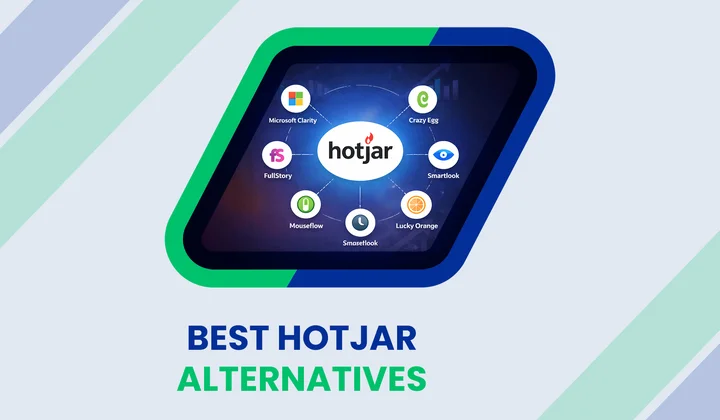


Do you ever wonder why visitors leave your website without clicking a single button?
Tracking user clicks and scrolls helps you identify and fix invisible leaks.
UX tools like Hotjar provide a great start for many teams. However, growing brands often need more specialized features to track complex journeys.
Are you looking for deeper insights into your visitor behavior?
Finding the best usability testing tools helps you understand the “why” behind every drop-off.
In fact, recent industry data reveals that 88% of online consumers rarely return to a site after a bad experience. This reality makes user research tools a vital part of your tech stack.
In this blog, we look at the top 10 best Hotjar alternatives, the most effective usability testing software, and essential user research tools that help you spot pain points sooner.
You will see options for heatmap tools, an alternative to Hotjar, session recording tools that capture real interactions, and other customer experience analytics tools that support smarter decisions.
Table of Contents
Let’s start exploring!
| Tool | Best For | Capterra Rating (out of 5) |
|---|---|---|
| Microsoft Clarity | Free heatmaps & basic behavior tracking | 4.8/5 |
| FullStory | Deep session replay & journey analytics | 4.6/5 |
| Crazy Egg | Heatmaps with A/B testing | 4.4/5 |
| Mouseflow | Behavior analytics & friction detection | 4.7/5 |
| Smartlook | Session recording for web & mobile apps | 4.7/5 |
| Contentsquare | Enterprise experience analytics | 4.8/5 |
| Inspectlet | Session replay & form analytics | 4.5/5 |
| Lucky Orange | Heatmaps & live user engagement | 4.7/5 |
| UXtweak | Usability testing & UX research | 4.6/5 |
| UXCam | Mobile app analytics & heatmaps | 4.7/5 |
Alternative 01: Microsoft Clarity
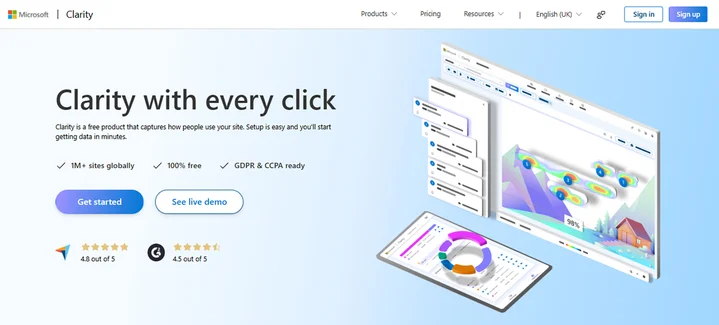
Microsoft Clarity is a free analytics tool that helps you see how visitors interact with your site. It shows where users click, how far they scroll, and which parts of a page attract attention. This insight is essential for improving usability and reducing confusion.
Now, we take a closer look at what this tool offers.
The Core Features Of Microsoft Clarity Include:
- Heatmaps
- Session recordings
- Rage clicks and frustration insights
- Google Analytics integration
- Web and mobile behavior tracking
A unique advantage of Clarity is that it offers unlimited recordings and heatmaps at no cost. This makes it appealing for teams with limited budgets or early product stages.
Strengths
- Free access with no traffic limits lets small teams easily explore user behavior analytics tools.
- Simple to set up and quick to deliver useful insights.
- Heatmaps and session replay come without a paywall.
- Focus on privacy and compliance supports GDPR and CCPA requirements.
Limitations
- Session recordings have limited filtering, making it harder to analyze high traffic.
- Heatmaps lack advanced segmentation by user type or behavior.
- No built-in A/B testing or experiment tracking.
- No direct feedback surveys or in-app user polls.
Pricing
Microsoft Clarity is free.
Alternative 02: FullStory
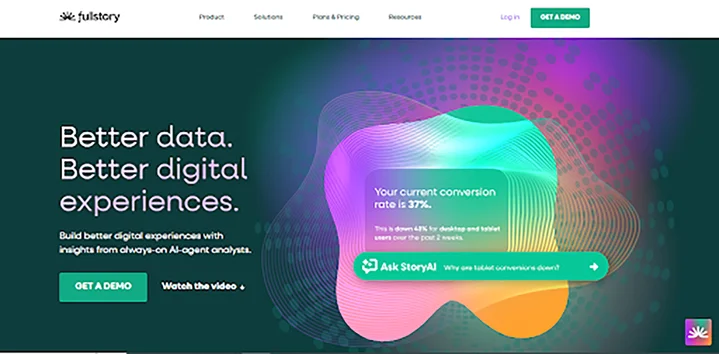
FullStory is a powerful digital experience analytics platform designed to help teams understand how users behave on websites and apps. It goes beyond basic tracking to show detailed user journeys, frustration signals, and engagement trends. This makes it a strong choice among Hotjar alternatives for deep analysis.
Now, we take a closer look at what FullStory offers.
The FullStory Unique Features include:
- Session replay
- Heatmaps
- Conversion funnels
- Event tracking
- Friction signals
A unique aspect of FullStory is its AI-driven insights, which automatically highlight usability issues, helping teams find problems without manual setup.
Strengths
- High-detail session replay with timeline controls
- Strong funnel analysis to spot drop-offs
- Powerful filtering and segmentation for deeper insights
- Supports both web and mobile platforms
- Integrates well with other analytics tools
Limitations
- Can be expensive for small teams
- The setup and learning curve can feel technical
- Some advanced features need customization
- Data storage and retention may be limited at high traffic
Pricing
FullStory offers a free plan with limited features. Paid plans increase session limits.
Alternative 03: Crazy Egg
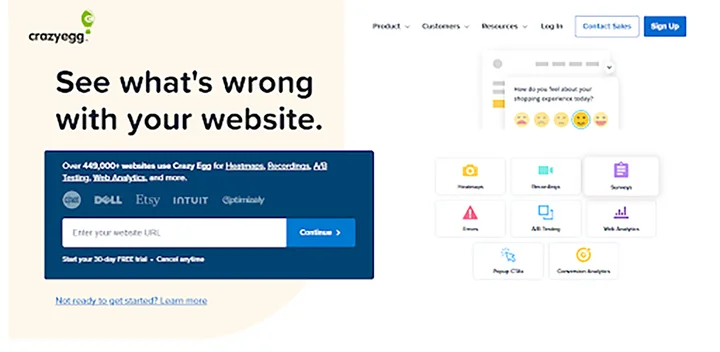
Crazy Egg is a user behavior analytics tool that helps you see how visitors engage with your website. It combines visual behavior tracking with testing tools to help you understand clicks, scrolls, and conversion opportunities.
Many teams choose Crazy Egg as a Hotjar alternative when they want both behavior insight and optimization features.
Now, we examine its strengths, limitations, and pricing to help you decide if it fits your needs.
The Unique Features of Crazy Egg include:
- Heatmaps
- Scrollmaps
- Session recordings
- A/B testing
- Surveys
- Web analytics
- Popup CTAs
- Conversion analytics
A unique aspect of Crazy Egg is its built-in experimentation and optimization tools that let you test page versions and track conversions alongside behavior insights.
Strengths
- Visual heatmaps and scrollmaps make user behavior very clear.
- A/B testing tools help teams validate design changes faster.
- Easy setup and a simple dashboard make it friendly for new users.
- Clear visualization helps teams spot opportunities to improve conversion rates.
Limitations
- No completely free plan (only free trial)
- Advanced segmentation and deep journey analysis are limited compared with enterprise tools
- Some features may require higher-tier plans for large sites
Pricing
30-day free trial available. Plans start at $99/month with annual billing only.
Alternative 04: Mouseflow
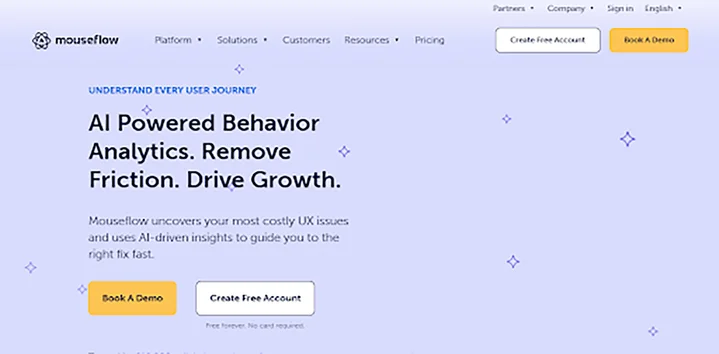
Mouseflow is a behavior analytics tool that helps teams understand how visitors interact with websites. It tracks clicks, movements, scrolls, and form behavior to reveal what users do and why.
Many businesses choose Mouseflow as a reliable Hotjar alternative because it combines deep insights with practical optimization tools.
We’ll now examine this tool’s strengths and how it fits into your user research tool stack.
The Mouseflow Core features include:
- Session replay
- Heatmaps
- Journey analytics
- Friction detection
- Form analytics
Mouseflow’s friction detection and scoring automatically highlight usability issues, helping teams find problems faster.
Strengths
- Detailed session recordings with full interaction context
- Multiple heatmap types for clear behavior visualization
- Journey tracking to identify drop-off points
- Funnels and form analytics for conversion optimization
- Works for both small sites and larger platforms
Limitations
- Session limits in paid plans can feel restrictive
- The interface can be complex for beginners
- An advanced filtering setup may be technical
- Reporting dashboards can be overwhelming for quick overviews
Pricing
Free plan available with limited sessions. Paid plans start at $25/month.
Alternative 05: Smartlook
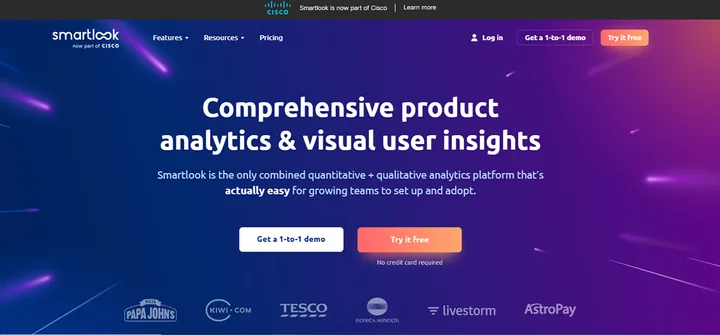
Smartlook is a user behavior analytics platform that combines session recordings, heatmaps, event tracking, funnels, and behavior flows to help teams see how users interact with websites and mobile apps.
Many teams choose Smartlook as a Hotjar alternative when they want a mix of quantitative and qualitative insights.
The Smartlook Features Include:
- Session recordings
- Heatmaps
- Event tracking
- Funnels
- Behavior flows
- Crash reports
A unique aspect of Smartlook is that it records 100 % of sessions by default and lets you visualize how users move through your site or app without heavy setup.
Strengths
- Combines visual insights with event analytics
- Works for both websites and mobile apps
- Funnels highlight where users drop off
- Behavior flows show user navigation paths
- Session recordings capture real interactions
Limitations
- The free plan has session limits
- The Pro plan starts higher than some alternatives
- Advanced customizations may require paid tiers
Pricing
Free plan with up to 3,000 sessions/month. Pro plan starts at €55/month (~$55).
Alternative 06: Contentsquare
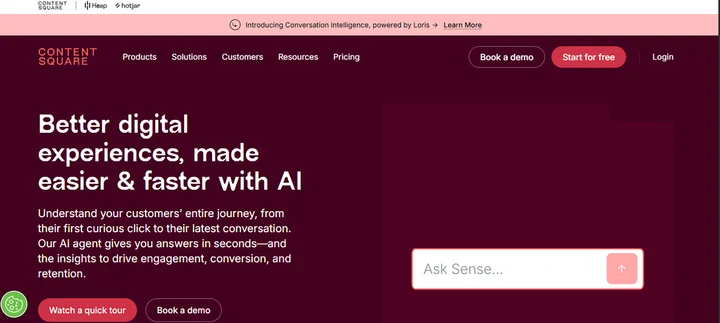
Contentsquare is an experience intelligence platform that helps teams understand the full customer journey across websites and apps. It captures behavioral data, visualizes user interactions, and leverages AI insights to improve engagement, conversions, and retention.
Many enterprises choose Contentsquare as a Hotjar alternative for deep journey analysis and experience optimization.
The Unique Contentsquare Features include:
- Journey analysis
- Zoning analysis
- AI insights
- Voice of Customer
- Experience monitoring
- Product analytics
Contentsquare’s AI-powered analytics automatically highlight important patterns and friction points in user journeys, helping teams act faster without heavy manual setup.
Strengths
- Captures full user journeys across sessions
- AI-driven insights to surface key behavior trends
- Combines analytics with feedback and product data
- Works for websites and mobile apps
- Designed for enterprise-grade experience optimization
Limitations
- Can be complex for small teams just starting UX analytics
- Advanced features may require higher-tier plans
- Pricing typically scales with usage and enterprise need
Pricing
Contentsquare offers a Free plan available with basic analytics. Growth plan starts at $40/month.
Alternative 07: Inspectlet
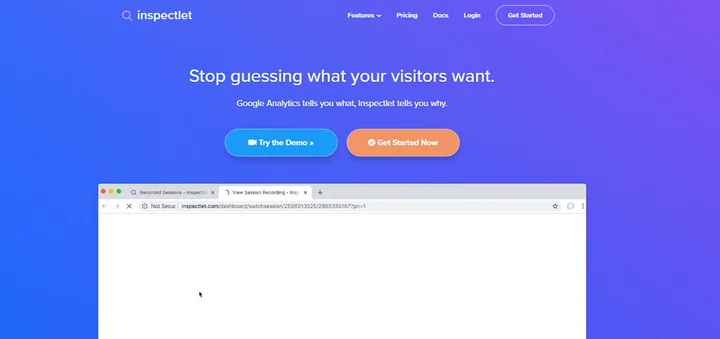
Inspectlet is a website behavior analytics tool that helps teams watch how visitors interact with their site through session recordings, heatmaps, and form analytics. It provides detailed user insights to help you identify usability issues and optimize conversions.
The Unique Features of Inspectlet include:
- Session recording
- Heatmaps
- A/B testing
- Form analytics
- Feedback surveys
- Error logging
Inspectlet lets you watch real user sessions and see every mouse movement, click, and scroll, helping you understand exactly how users behave.
Strengths
- Shows detailed recordings of user behavior
- Heatmaps visualize where users click and scroll
- Form analytics show hesitation and abandonment points
- A/B testing support for comparing page versions
- Easy setup with a snippet of JavaScript
Limitations
- The free plan has session limits
- Advanced plans can be pricey for larger sites
- UI and setup may feel technical for beginners
- Filters and deeper analytics require higher plans
Pricing
Free plan available with limited recordings. Paid plans start at $39/month (Micro tier).
Alternative 08: Lucky Orange
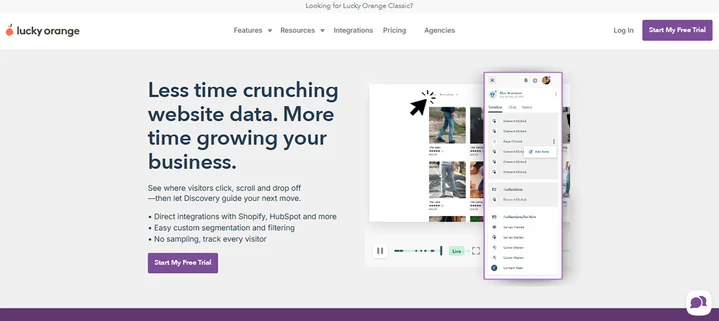
Lucky Orange is a website behavior analytics tool that combines session recordings, heatmaps, live dashboards, funnels, and engagement tools like chat and surveys. Teams use it as a Hotjar alternative when they want both behavior insights and real-time visitor interaction.
The Particular Features of Lucky Orange include:
- Live chat
- Conversion funnels
- Surveys & polls
- Form analytics
- Visitor profiles
- Dashboard insights
Lucky Orange includes all core features across plans, making it easy to access behavior analytics and engagement tools in one platform.
Strengths
- Visual session recordings and heatmaps
- Built-in live chat and surveys
- Funnels and form analytics for conversion insights
- All features are available even on basic plans
- Real-time dashboard for quick insights
Limitations
- Interface can feel less modern compared with other tools
- Heatmap visualization may lack advanced segmentation
- Funnels and analytics can be basic for complex user journeys
- Live chat features are not as powerful as dedicated chat tools
Pricing
Free plan: $0/month (up to 100 sessions). Paid plans start at $32/month for more sessions and features.
Alternative 09: UXtweak

UXtweak is a UX research and usability testing platform that helps teams run tests, observe user behavior, and gather insights across websites, prototypes, and apps. It includes tools for card sorting, tree testing, session recording, preference testing, and first-click testing, all in one place.
Many teams choose UXtweak as a Hotjar alternative for comprehensive usability testing and research in one tool.
The Specialized Feature of UXtweak includes:
- Session recording
- Card sorting
- Tree testing
- First-click tests
- Preference tests
- Surveys
- Website usability testing
- Mobile & prototype testing
UXtweak supports moderated and unmoderated studies, helping teams uncover usability issues quickly and efficiently.
Strengths
- Wide range of usability tests in one platform
- Works on web, prototypes, and mobile flows
- Helps recruit participants and manage studies
- Powerful task-based and behavior analytics
- Suitable for both small and larger UX research teams
Limitations
- Some advanced usability features may require paid plans
- The interface can feel complex for beginners
- Mobile testing features may have platform limitations
Pricing
Free Starter plan with limited responses and testing. Plans from ~€49/month (~$53) and higher for more responses and features.
Alternative 10: UXCam
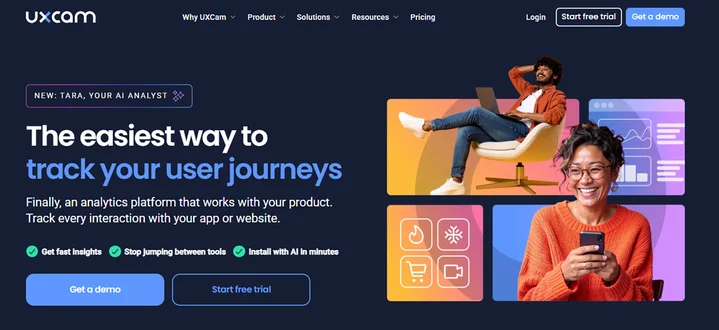
UXCam is a mobile-first experience analytics platform that helps teams understand how people interact with native apps. It records user sessions, captures touch heatmaps and gestures, tracks user journeys, and surfaces usability issues so you can improve app UX and performance.
Many teams choose UXCam as a Hotjar alternative when they need mobile-specific analytics and session replay.
The Particulars Features of UXCam include:
- User journey analysis
- Crash and issue analytics
- Gesture tracking
- Event tracking
- Performance monitoring
A unique feature of UXCam is its strong focus on mobile gestures. It goes beyond basic clicks and scrolls to capture how users tap, pinch, swipe, and interact in apps.
UXCam’s core focus is on mobile interactions like taps, swipes, and screen transitions, giving teams deeper insights into user behavior that web-focused tools might miss.
Strengths
- Replays detailed sessions with touch and gesture visibility
- Mobile-focused analytics designed for native iOS and Android
- Funnels and heatmaps help pinpoint UX bottlenecks
- Crash and issue analytics provide context for bugs
- Works well for product teams, UX researchers, and mobile engineers
Limitations
- Focused mainly on mobile, not a full web analytics solution
- Advanced features and higher session volumes require paid plans
- No built-in A/B testing like some web UX tools
Pricing
Free plan: up to 3,000 sessions/month with basic analytics. Paid plans start from around $49/month for higher session volumes and advanced analytics (Starter).
Still unsure which Hotjar alternative fits your product, budget, and UX goals?
How Does Clustox Help You Choose the Best Hotjar Alternative?
Clustox helps you pick the right Hotjar alternative by matching your business goals, user journey complexity, and budget with the UX tool that fits best. Our team reviews your product, user behavior, and tracking needs to recommend the platform that gives you the most valuable insights.
If you need support beyond choosing the tool, we also help with setup, integration, and ongoing analysis. This means you can turn user behavior data into real improvements in conversion and overall experience.
For teams that want a complete UX upgrade, our Product Design services take your research and turn it into a user-friendly interface that improves engagement and boosts conversions.
Frequently Asked Questions (FAQs)
2. Can The UX Tools Replace Google Analytics?
No, not completely. Google Analytics is still the best option for overall traffic and conversion tracking, but UX tools like FullStory, Crazy Egg, and Smartlook help you understand how users behave on your site.
3. Which UX Tool is Best for Mobile App Analytics?
For mobile apps, UXCam is one of the strongest options because it focuses on gestures, touch heatmaps, and mobile session recordings. If your app needs both web and mobile insights, Smartlook is also a good choice.
4. Do UX Tools Help Improve Conversion Rates?
Yes. UX tools help you find the exact reasons users leave your website. Once you identify the friction points, you can fix them and improve conversion rates. Most UX tools provide clear data that supports decision-making, such as:
- Heatmaps to see where users click or ignore
- Session recordings to understand user behavior
- Funnel analytics to identify drop-off pages
- Form analytics to detect abandonment issues
Final Thoughts: Which Hotjar Alternative Fits Your Needs?
After comparing these Hotjar alternatives, you now have a clearer view of which UX tools fit different needs. Each tool offers unique strengths, and the best choice depends on the complexity of your user journeys and the level of insights you need.
If you are building or improving an AI-powered search or assistant experience, the right UX tool becomes even more important. You can use the same research and testing approach to understand how users interact with conversational interfaces and voice-based journeys.
The main takeaway is simple: the right UX tool should help you understand real user behavior and improve your experience with confidence.
If you want help selecting the best option and setting it up correctly, our UI/UX design service can guide you through the process and turn insights into measurable improvements.
Want better UX results from your user research tools? Our UI/UX team will turn your insights into actionable design improvements.